ASSISTOTECH

NOW TAKING ON NEW PROJECTS

BUSINESS SOFTWARE

From till to HQ,your whole businessin one system.

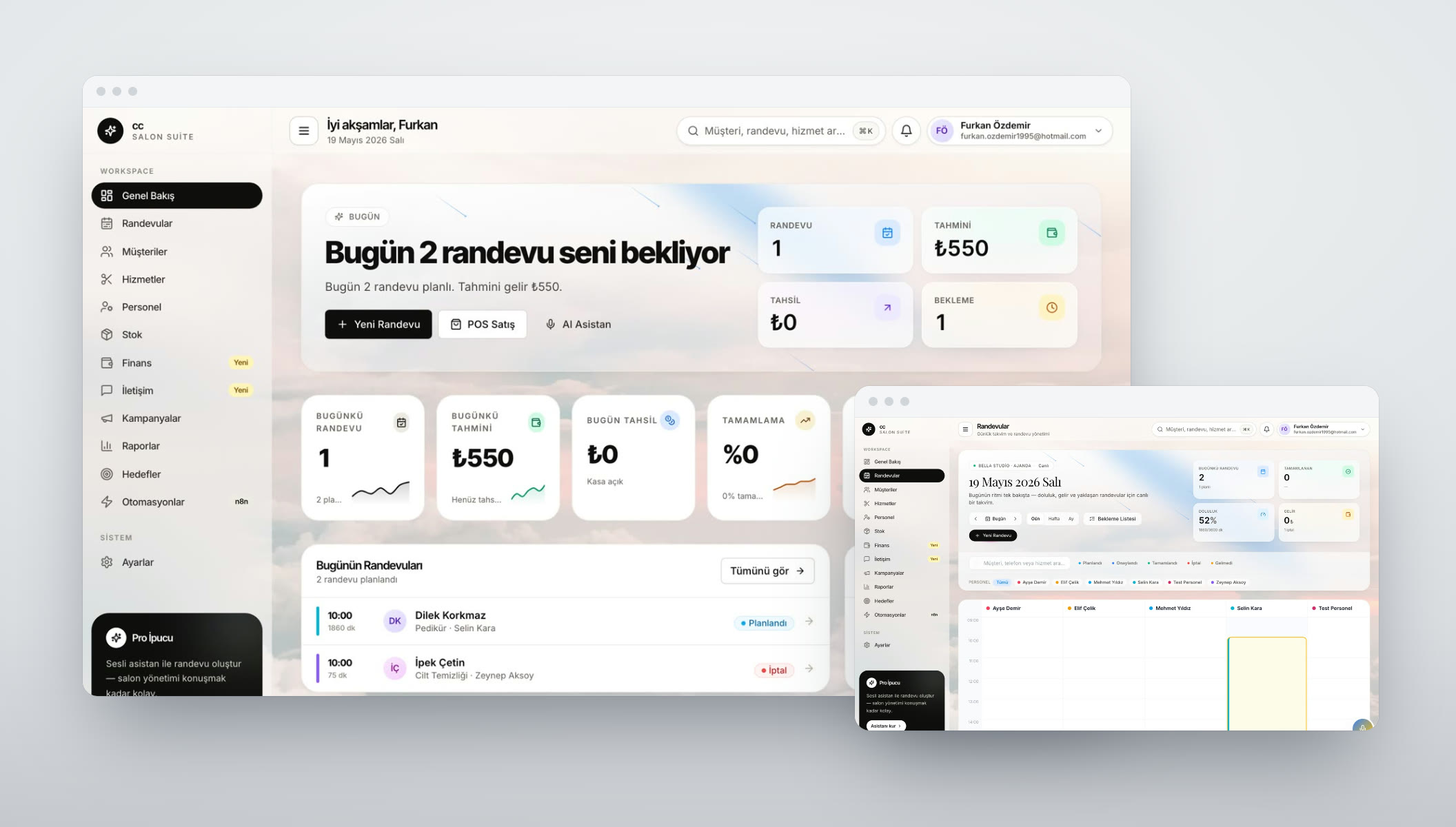
We bring POS, stock, staff, finance and reporting together in one system instead of separate programs that don't talk to each other. Multi-branch and franchise setups included.

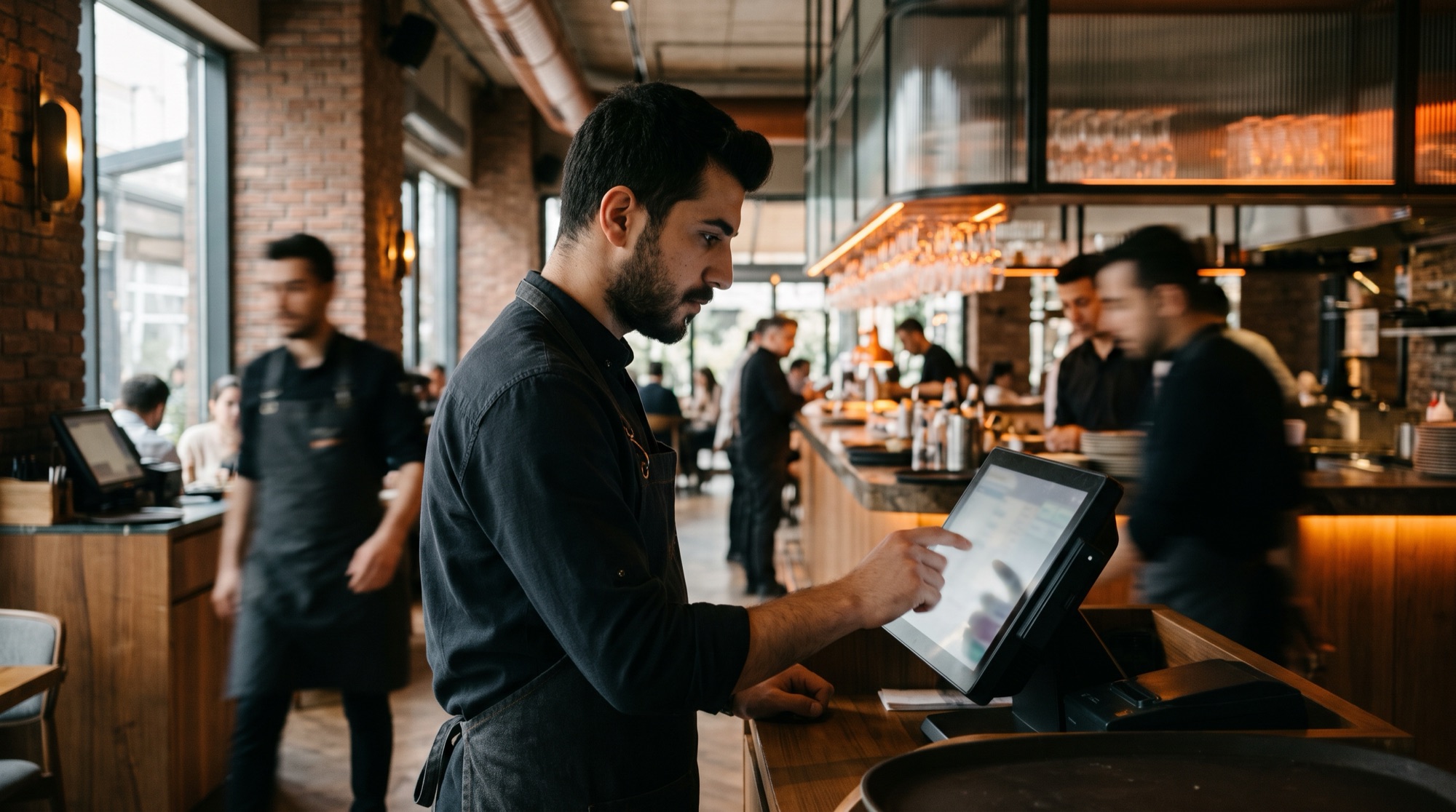
Employee using a touchscreen POS at a restaurant counter

WHAT DO YOU NEED?

Which of these sounds familiar?

The need for business software usually shows up when something gets stuck. Here is what we hear most often from restaurants, retailers and service businesses.

“Our till software is old and slows everything down.”

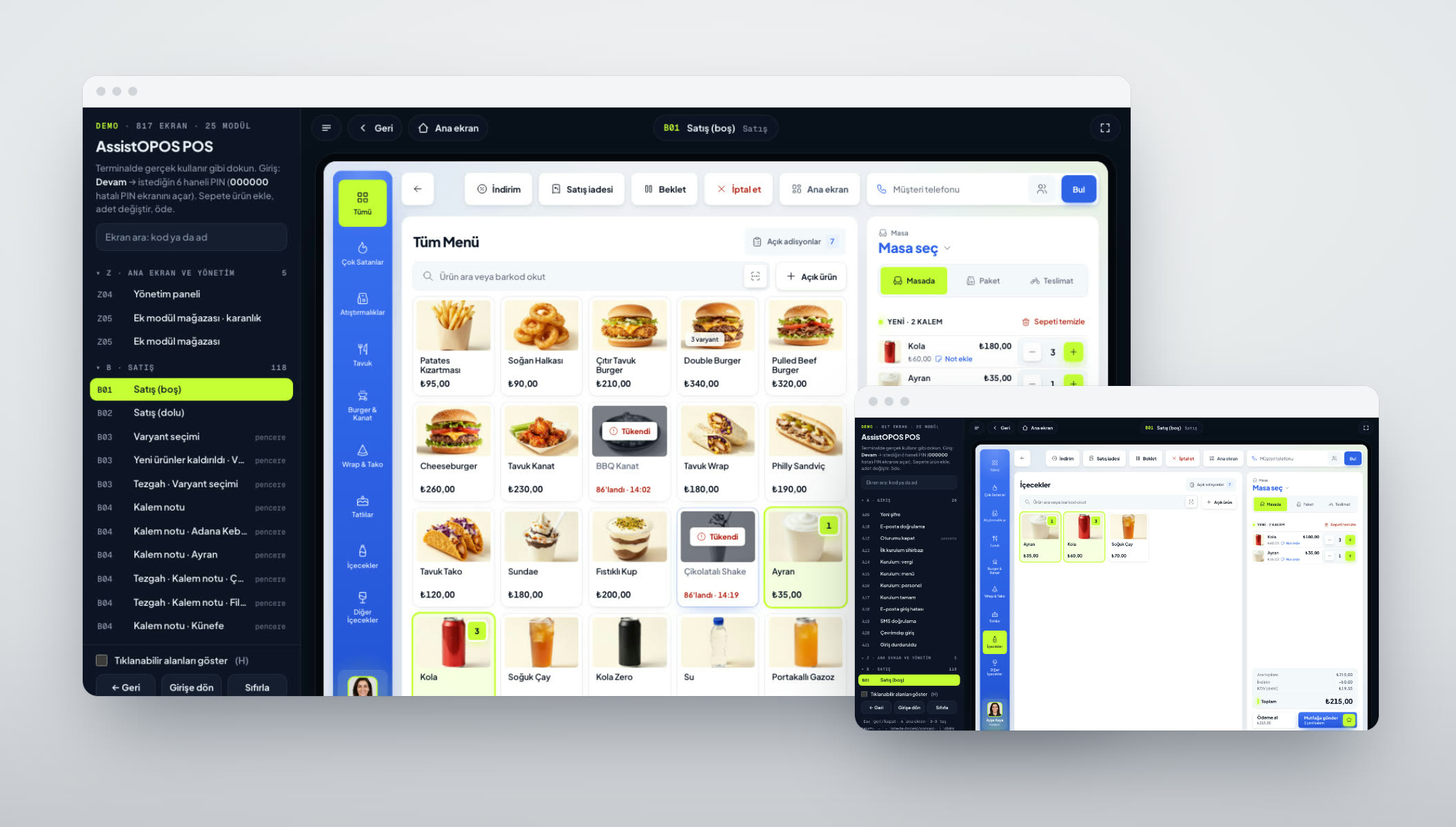
01POS & order taking

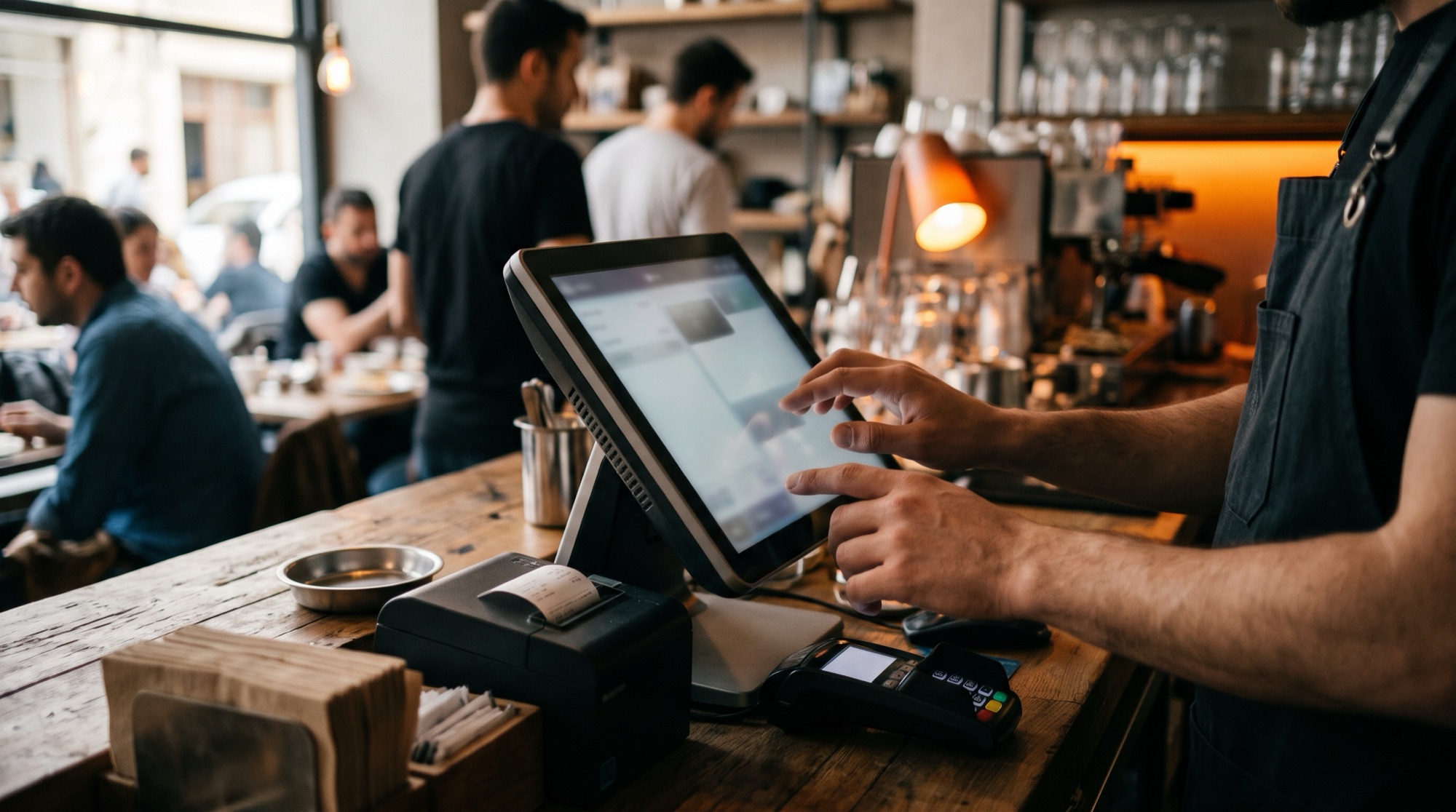
We set up sales, basket, payment, table and takeaway flows to run fast on a touchscreen. It keeps working when the internet drops and syncs with head office when the connection is back.

  • Fast sales and basket screens
  • Tables, floor plan and takeaway
  • Cash, card and split payments
  • Offline mode
  • Printer and cash drawer integration
Example: Assisto360 / AssistOPOS In development

“Stock, accounts and purchasing all live in separate Excel files.”

02ERP: stock, accounts, finance

We bring products, recipes, stock movements, suppliers, customer and supplier accounts, and cash records into one database. When a sale is made, stock goes down on its own, and anything running low goes onto the order list.

  • Stock and warehouse movements
  • Automatic stock deduction by recipe
  • Customer and supplier accounts
  • Purchasing and orders
  • Cash and expense records

“Shift and staff tracking happens on WhatsApp.”

03Staff, shifts & tasks

We keep shift plans, clock-ins, leave, tasks and performance in one place. Employees see their shifts on their phones, and managers approve from there.

  • Shift planning
  • Clock-in and clock-out records
  • Leave and approval flow
  • Task assignment and tracking
  • Staff app
Example: Assisto360 / AssistOPOS In development

“We want to see all our branches on one screen.”

04Head office panel & reporting

We collect sales, product and staff data from your branches at head office and turn it into comparative reports. We can also set this up without replacing your current POS, by reading its data.

  • Multi-branch reports
  • Branch and product comparison
  • Data import from your current POS
  • Role-based access
  • Owner summary screens

“We load campaigns onto our branch screens one by one with a USB stick.”

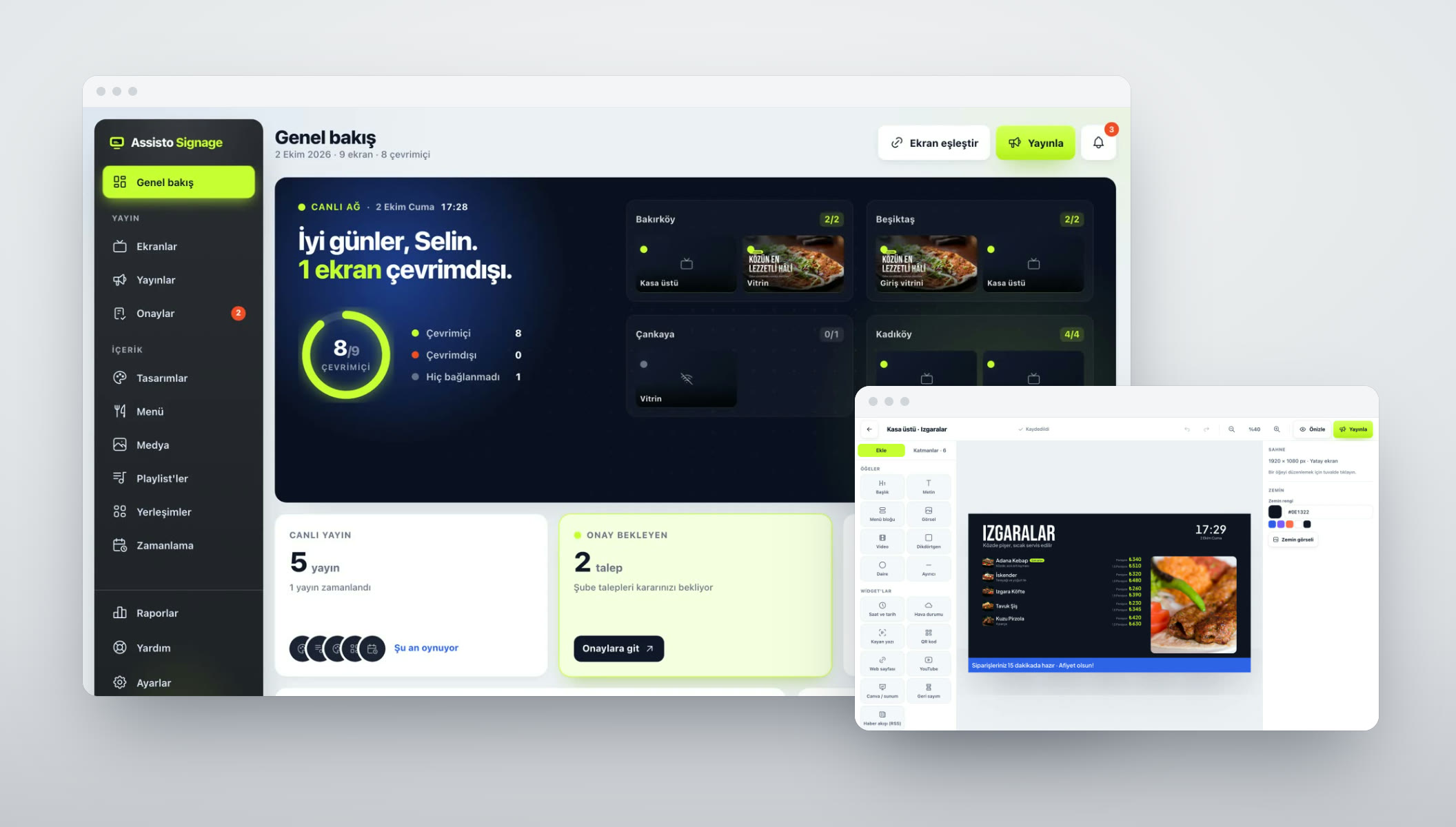
05Digital signage & screen management

You prepare menu, price and campaign content centrally and schedule it to the screens in every branch. The panel shows you which screens are offline.

  • Content designer
  • Playlists and scheduling
  • Branch and screen management
  • Approval flow
  • Android TV, Windows, Linux player
Example: Assisto Signage Live

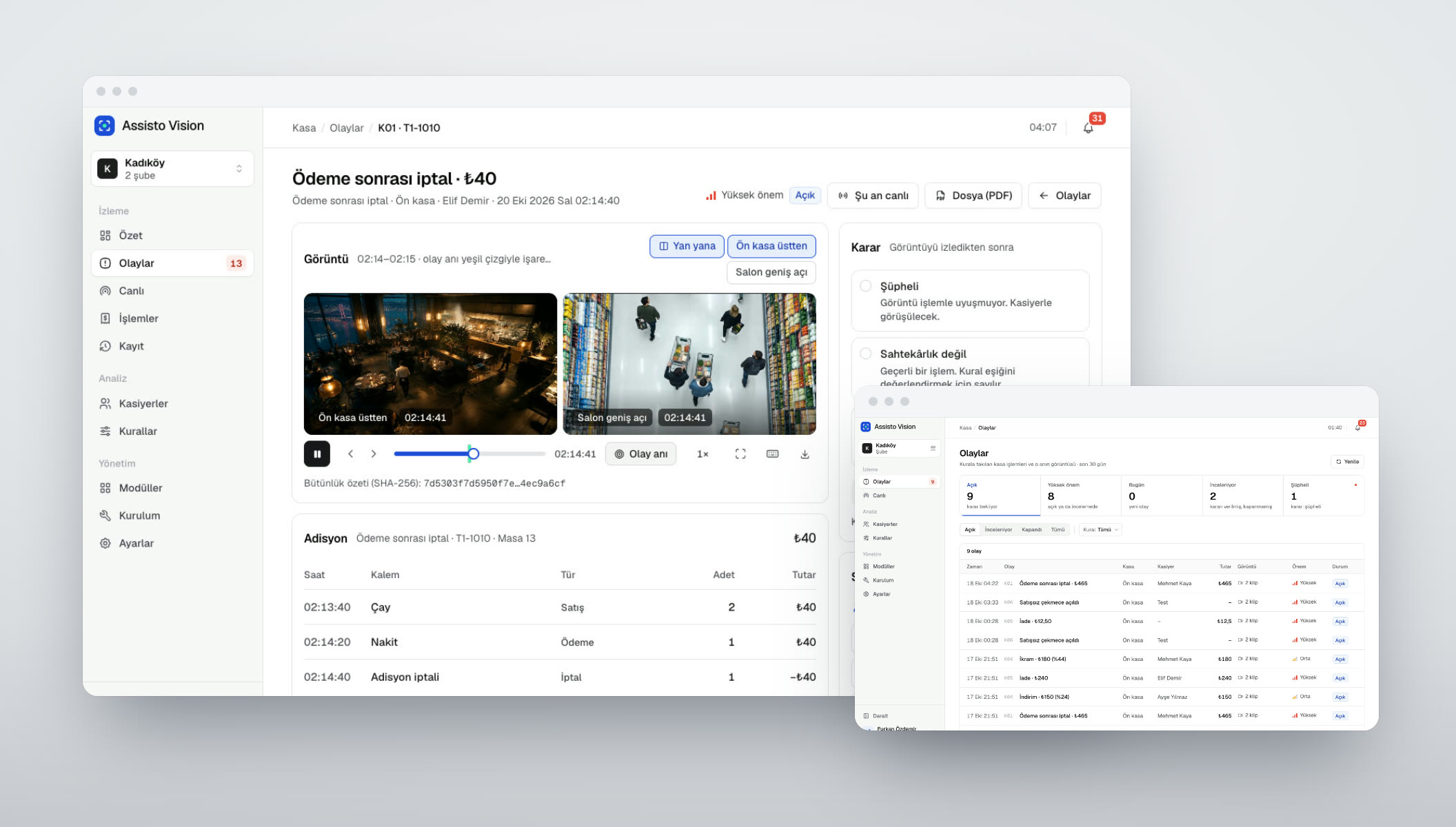
“We want to match what happens at the till with camera footage.”

06Computer vision & till auditing

We match till events like voids, refunds and discounts with a clip from the relevant camera. It works with your existing cameras, with no extra devices in the branch.

  • Matching POS events to clips
  • Works with existing cameras
  • Event files and live view
  • Tamper-proof clip storage
  • Notifications
Example: Assisto Vision In development

WHAT WE CAN DO

The six layers of a business system.

The cashier only sees the sales screen. Underneath are layers from process to reporting, and the same team builds all of them.

  1. 01

    Process analysis

    Who does what, and in what order? We map how things work today and where they get stuck, together with you.

  2. 02

    Data model

    Product, stock, account, staff and branch data kept in one consistent structure.

  3. 03

    Screens

    Till, head office panel, staff and owner apps; each role sees the screens its work needs.

  4. 04

    Software

    Modular .NET on the server, React and Electron on the screens, PostgreSQL for data.

  5. 05

    Integrations

    Payments, e-invoicing (e-Fatura), accounting, your current POS, printers, scales and cameras.

  6. 06

    Reports & permissions

    Branch- and role-based permissions, comparative reports, owner summaries.

PROCESS

Idea to Launch
in Four Steps

You see what we're doing at every step. No surprises, a clear timeline.

Let's Start Your Project
//01

Discovery & Scope

Together we pin down the need, the target user and what success looks like, then put the scope and timeline in writing.

//02

Design & Architecture

We plan the screen flows, the interface and the technical architecture, and we don't start coding until you approve them.

//03

Build & Test

We ship working versions at short intervals, test every step and show it to you.

//04

Launch & Support

We take it live, or onto the App Store, Google Play or Steam, and keep maintaining and improving it.

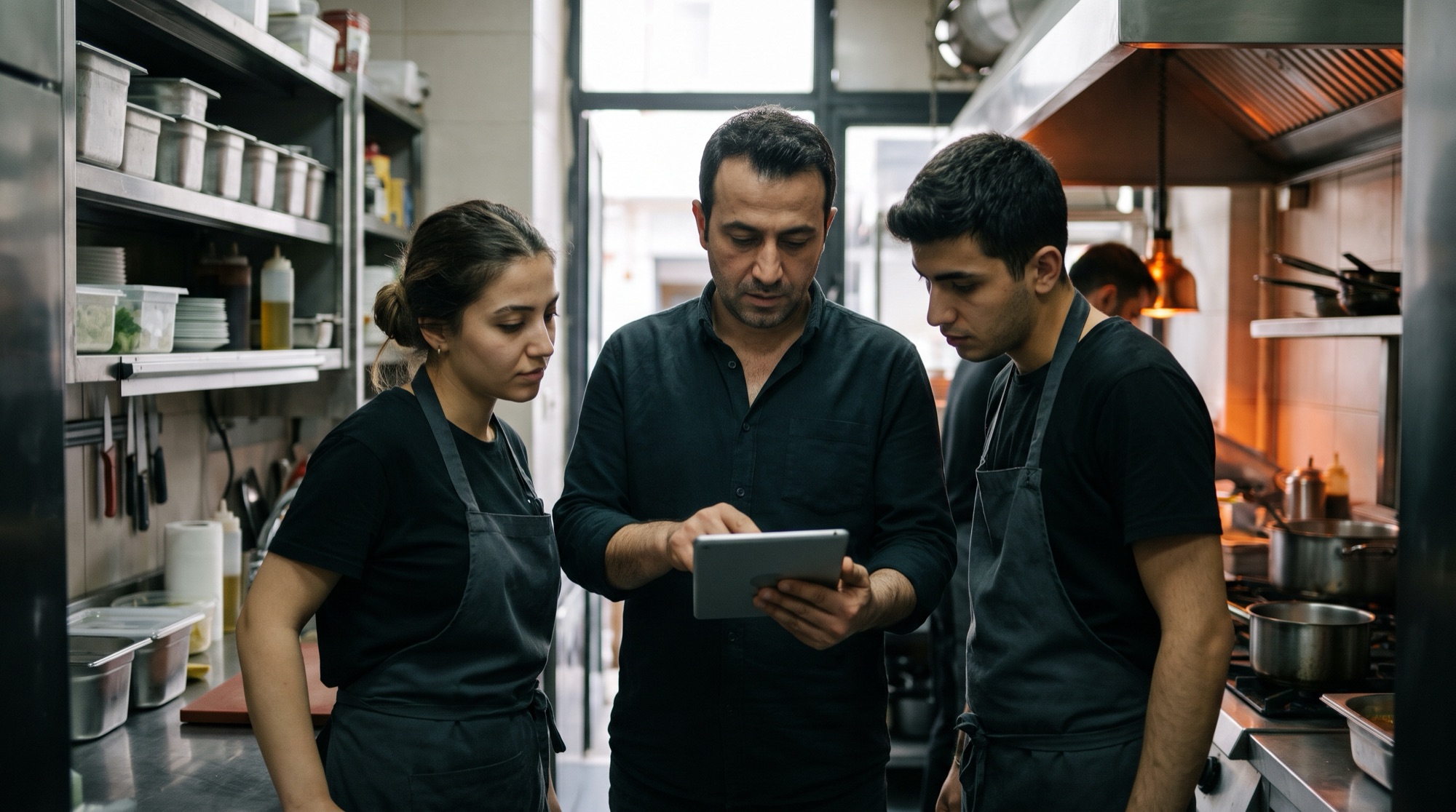
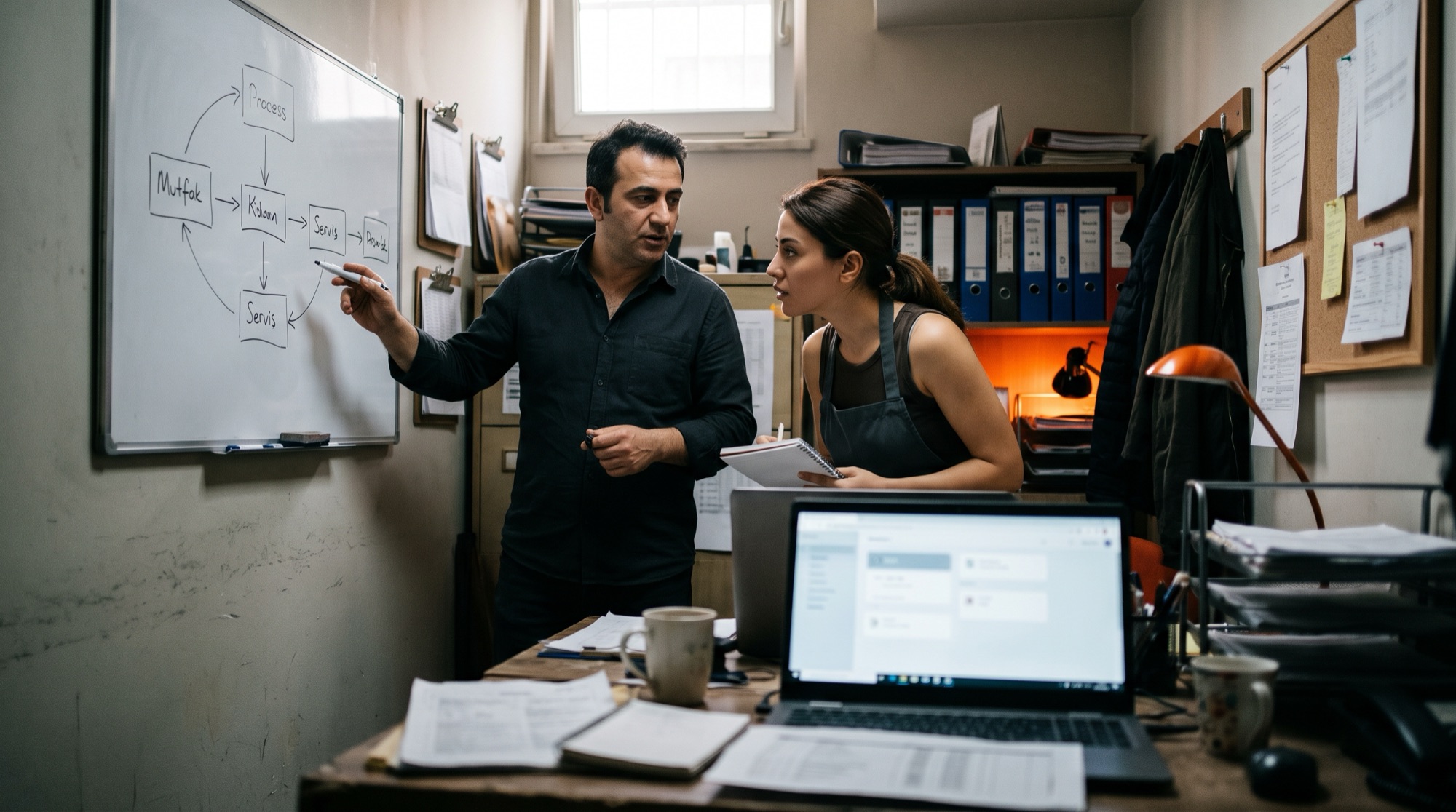
Manager and employee discussing a process plan in a restaurant back office

GETTING STARTED

What do we need?

From you

Not all of it is required; we fill the gaps together.

  • Meetings with team members who can walk us through the processes
  • Your current software and Excel files
  • Number of branches, tills and users
  • The hardware you use (printers, scales, cameras)
  • Systems it needs to connect to (accounting, e-invoicing)
  • One person who can make decisions

From us

What you'll have at handover.

  • Process analysis and scope document
  • Data model and screen designs
  • Setup and migration of your old data
  • User training
  • Permission and report screens
  • Ongoing support and development

FAQ

Common Questions

It isn't always needed. If your processes fit an existing product, we'll recommend it. Custom software makes sense when your branch structure, workflow or integration needs don't fit what's on the market.

Yes. We import products, accounts, stock and past records from your old program's database or from your Excel files.

We build the till side to work offline; data syncs with head office once the connection is back.

We get the models of your devices up front and write the integration into the scope.

Often, yes. We can set up a connector that pulls data from the POS database with read-only access and build the reports on top of it. First we check whether your system allows this.

No. We define roles and permissions together; each user only sees the screens and branches their job requires.

LET'S TALK
ABOUT YOUR PROJECT

END-TO-END SOFTWAREISTANBUL · TÜRKİYE

OFFICE

  • Istanbul

    Denizköşkler Mah. Ferah Çıkmazı Sk.
    No: 2 İç Kapı No: 1
    Avcılar / İstanbul

  • Remote

    We work remotely with
    clients across Türkiye
    and abroad

By sending this form you confirm that you have read our KVKK Privacy Notice on how your personal data is processed.