ASSISTOTECH

NOW TAKING ON NEW PROJECTS

DESKTOP

Software on yourcomputer, builtaround your work.

We build desktop applications for Windows, macOS and Linux: a replacement for your aging program, a real application for the work running in Excel, tools that work without internet and handle large files with ease.

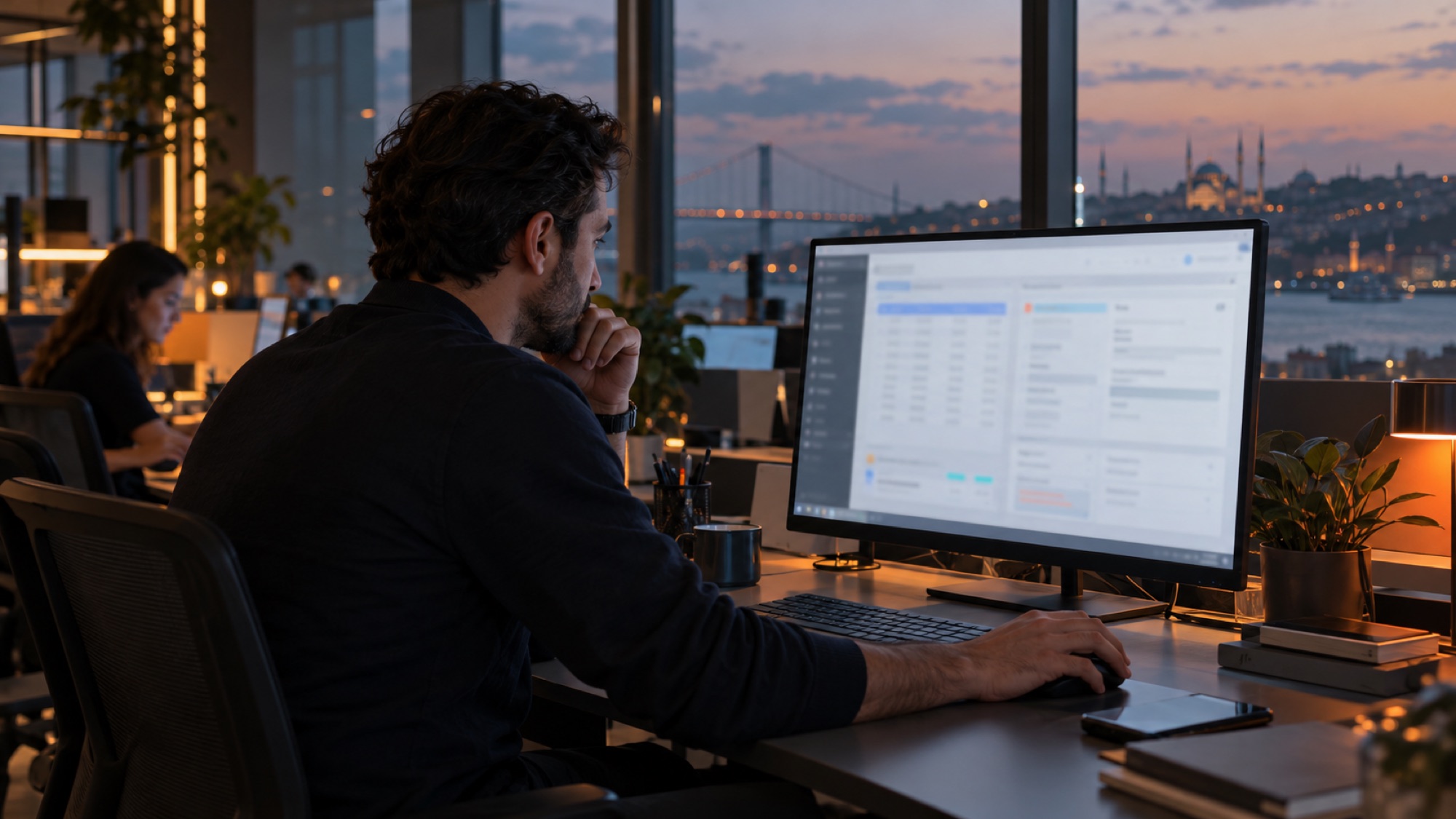
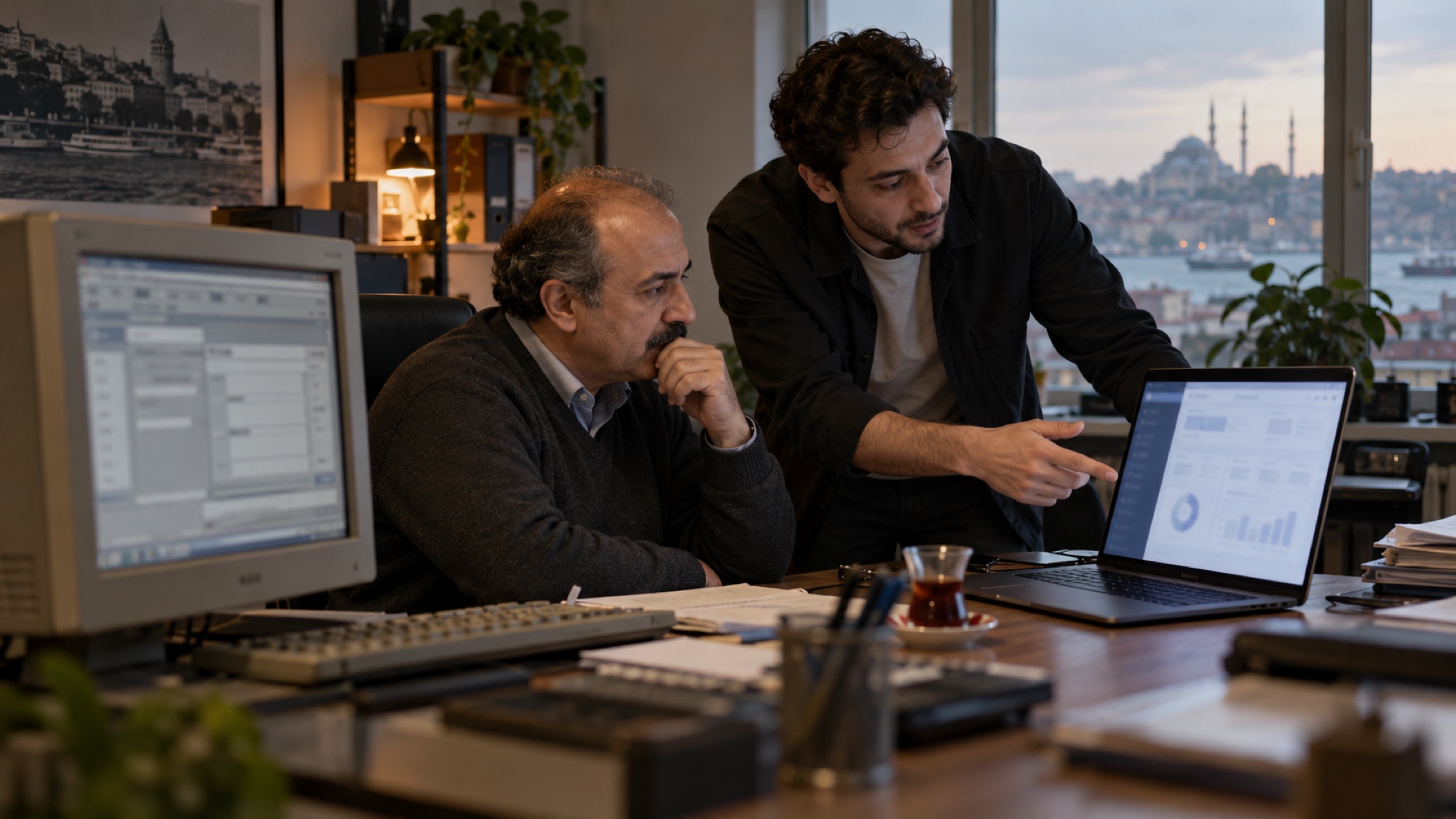
Office worker using a custom desktop program on a large monitor

WHAT DO YOU NEED?

Which of these sounds familiar?

Some work doesn't fit in a browser: the program is outdated, the work has outgrown Excel, there's no internet, or the files are too big. Here are the things we hear most often.

“The program we've used for years isn't updated anymore.”

01Replacing an old program

We study programs written in Delphi, Visual Basic or Access whose original developer is long gone, and move them, data included, to a modern application. We simplify the screens without breaking the flow your team is used to.

  • Mapping how the old program works
  • Moving the data to the new structure
  • Screens that keep the familiar flow
  • Compatibility with new Windows versions
  • Step-by-step migration plan

“Our business runs on Excel files and macros.”

02From Excel to a real application

We pull linked spreadsheets, copied files and broken macros into one application. Everyone works with the same data, every change is logged with who made it, and reports come out in one click.

  • Moving spreadsheets into a database
  • Forms and validation rules
  • Multi-user work
  • Change log
  • Export to Excel

“It has to work where there's no internet.”

03Apps that work offline

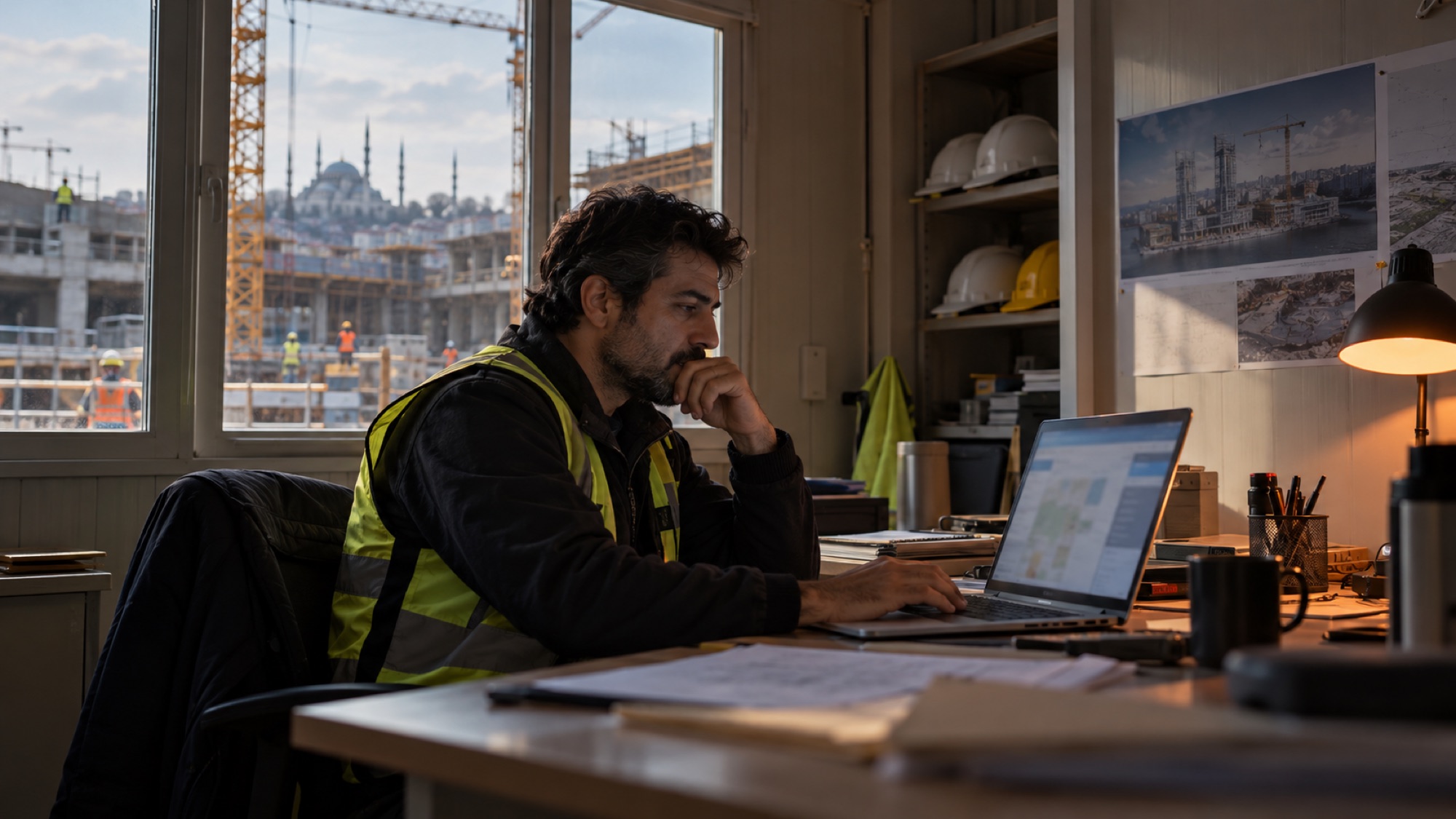
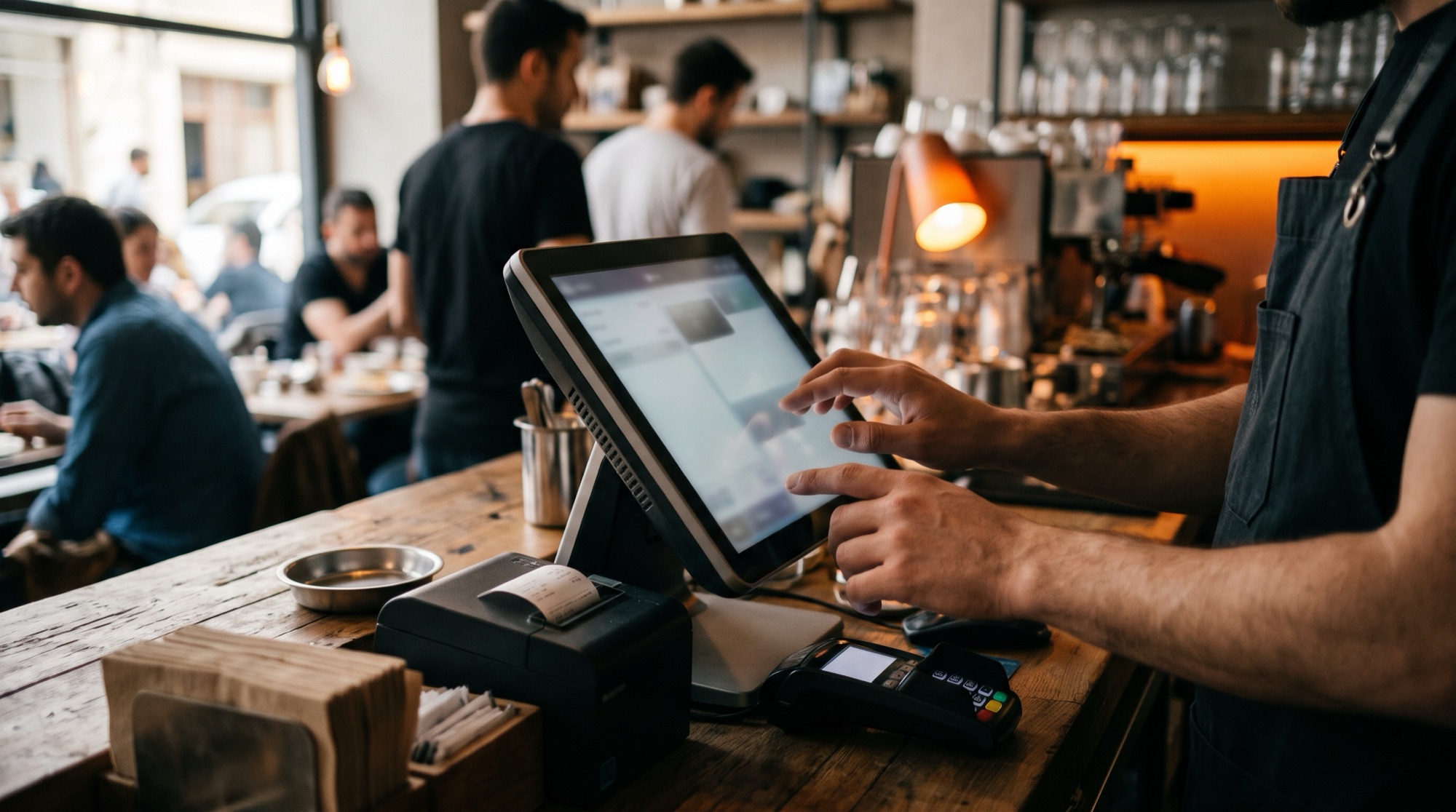
We build applications that write data to the computer's own database and sync with the central server once a connection is available. On a construction site, in the field or during an outage, work doesn't stop.

  • Local database
  • Background sync
  • Conflict resolution
  • Connection status indicator
  • Central server
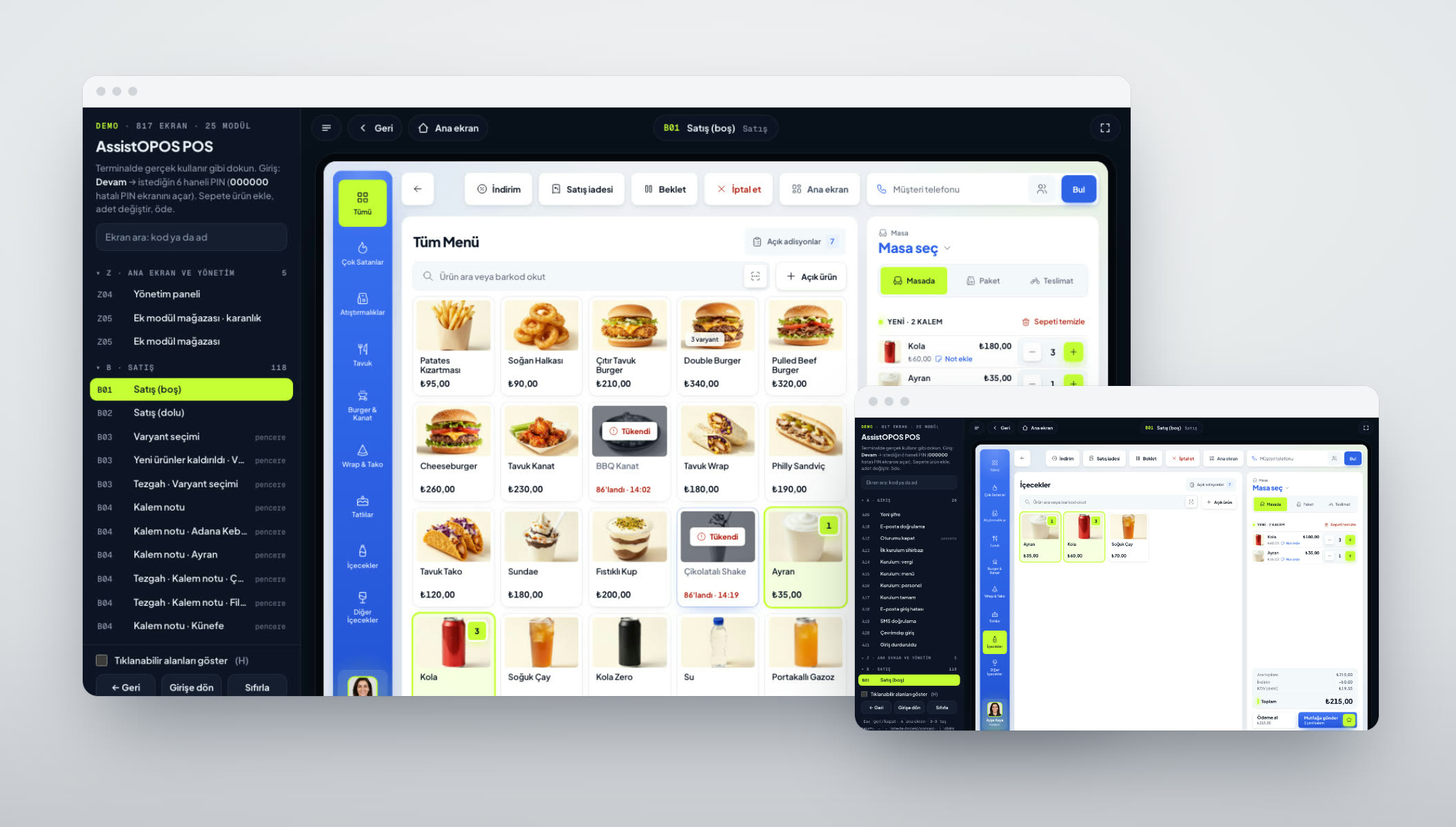
Example: Assisto360 / AssistOPOS In development

“We work with large files and the browser isn't enough.”

04Tools that work with files and devices

We build tools that batch-process documents, images or video, and connect directly to devices like printers, barcode scanners and cameras. The processing uses the computer's own power, and the files stay local.

  • Batch file processing
  • Folder watching and automatic processing
  • Printer, barcode and camera connections
  • Devices on the local network
  • Progress and error reports
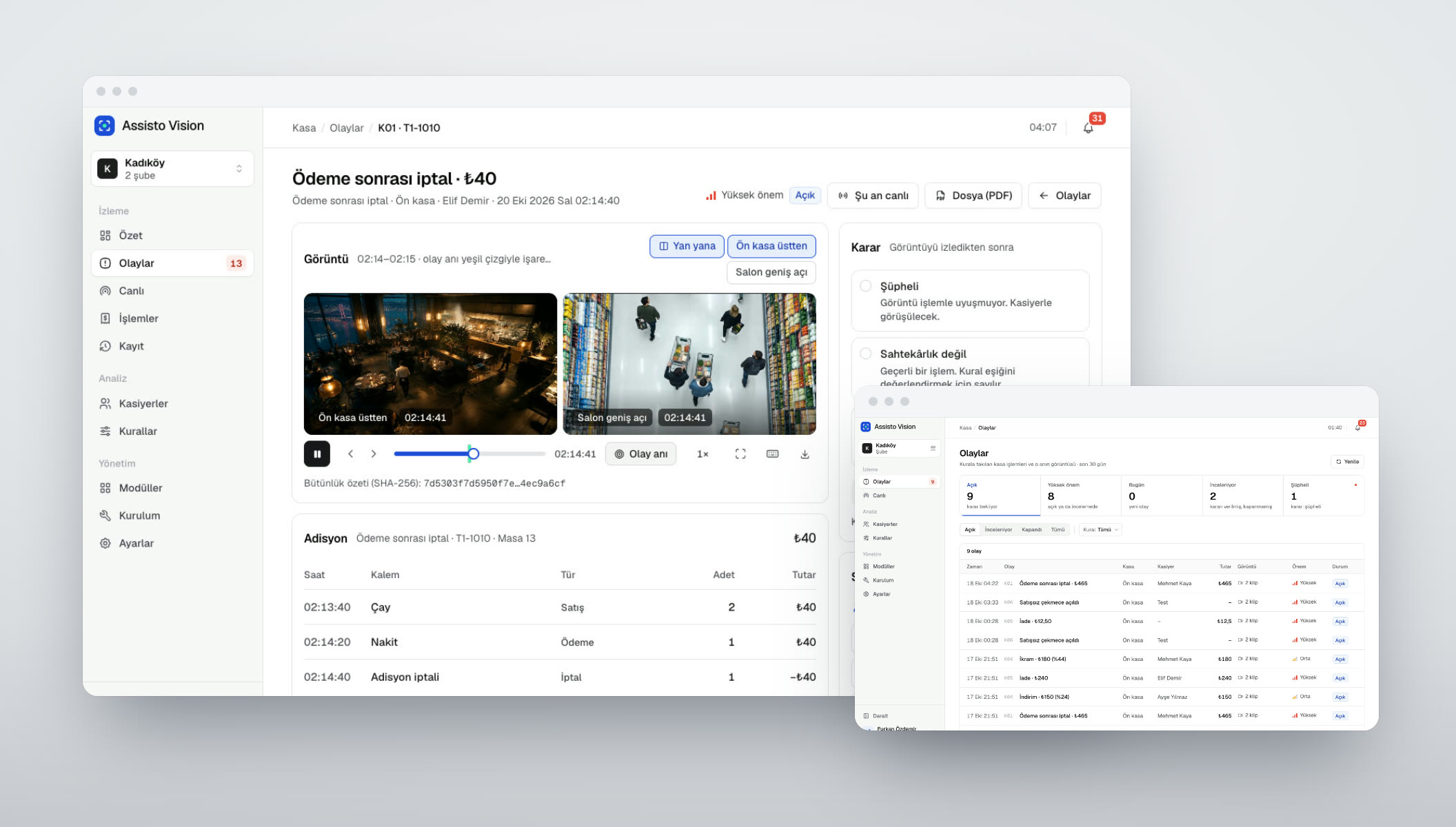
Example: Assisto Vision In development

“Our screens need to play content all day.”

05Player & kiosk apps

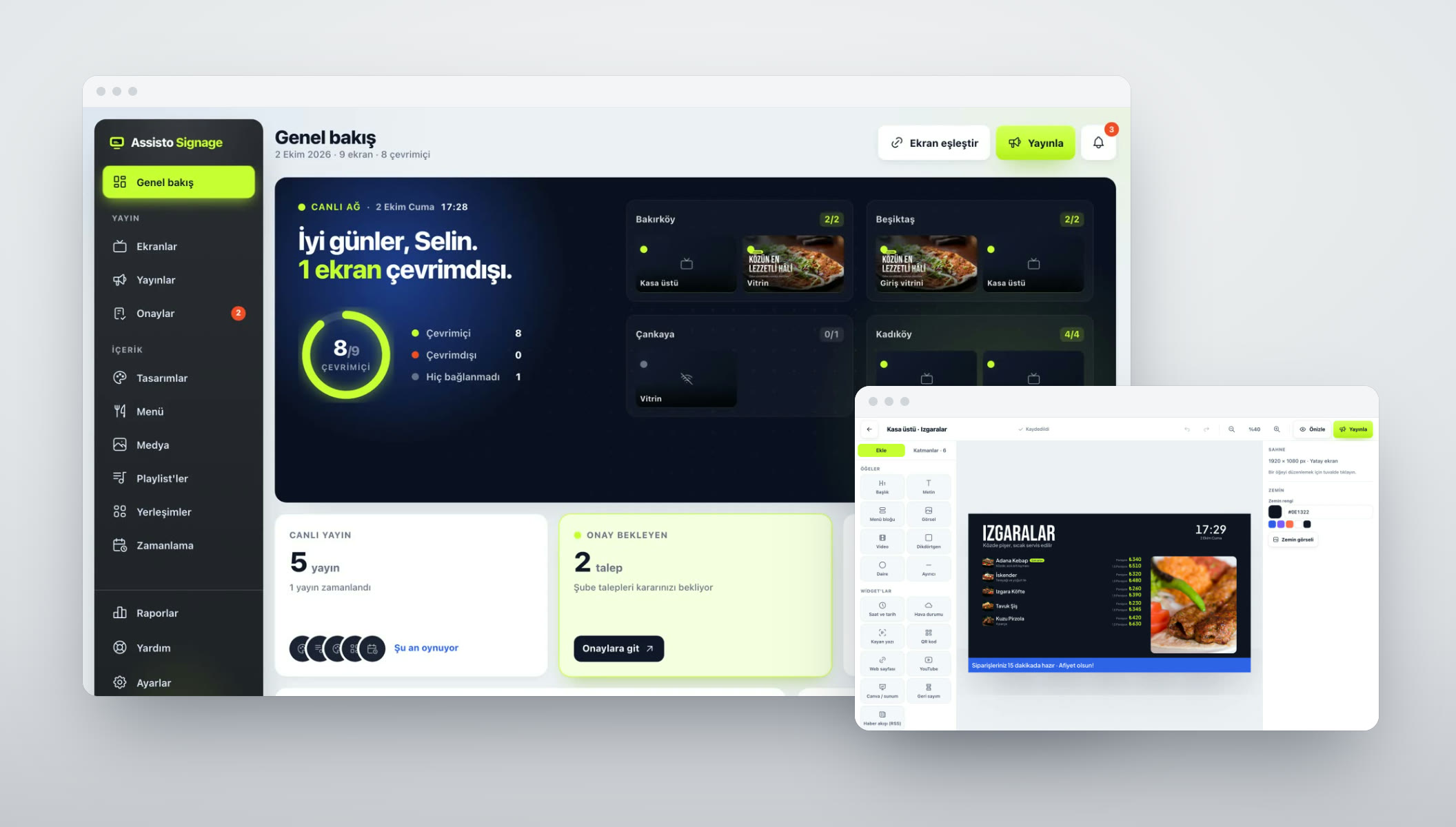
We write player and kiosk apps that start on their own and recover by themselves if they crash. Content comes from a central server, and if the internet drops they keep going with the latest content.

  • Auto-start and locked mode
  • Content cache
  • Remote management
  • Screen status reporting
  • Windows, macOS, Linux, Raspberry Pi
Example: Assisto Signage Live

“We need to get data out of a program we use.”

06Connectors & data bridges

We install a small Windows service that connects to your program's database with read-only access. Data flows to the cloud on a regular schedule, and the old program keeps working as it is.

  • Read-only connection
  • Scheduled transfers
  • Masking of sensitive data
  • Disconnect alerts
  • Silent installation

WHAT WE CAN DO

The six layers of a desktop app.

Users only see the window. Underneath are layers from devices to updates, and the same team builds all of them.

  1. 01

    Workflow

    Who uses the program, on which computer, and how throughout the day? We build the flow around that.

  2. 02

    Interface

    Clean screens for windows that stay open all day, keyboard shortcuts and batch actions.

  3. 03

    Application

    Electron or Tauri; .NET or Rust for heavy work. Three operating systems from one project.

  4. 04

    Files, devices & local network

    Local files, devices like printers and barcode scanners, servers and cameras on the local network.

  5. 05

    Sync & server

    Local database, background sync and a central server.

  6. 06

    Installation & updates

    Signed packages, automatic updates and error reports.

PROCESS

Idea to Launch
in Four Steps

You see what we're doing at every step. No surprises, a clear timeline.

Let's Start Your Project
//01

Discovery & Scope

Together we pin down the need, the target user and what success looks like, then put the scope and timeline in writing.

//02

Design & Architecture

We plan the screen flows, the interface and the technical architecture, and we don't start coding until you approve them.

//03

Build & Test

We ship working versions at short intervals, test every step and show it to you.

//04

Launch & Support

We take it live, or onto the App Store, Google Play or Steam, and keep maintaining and improving it.

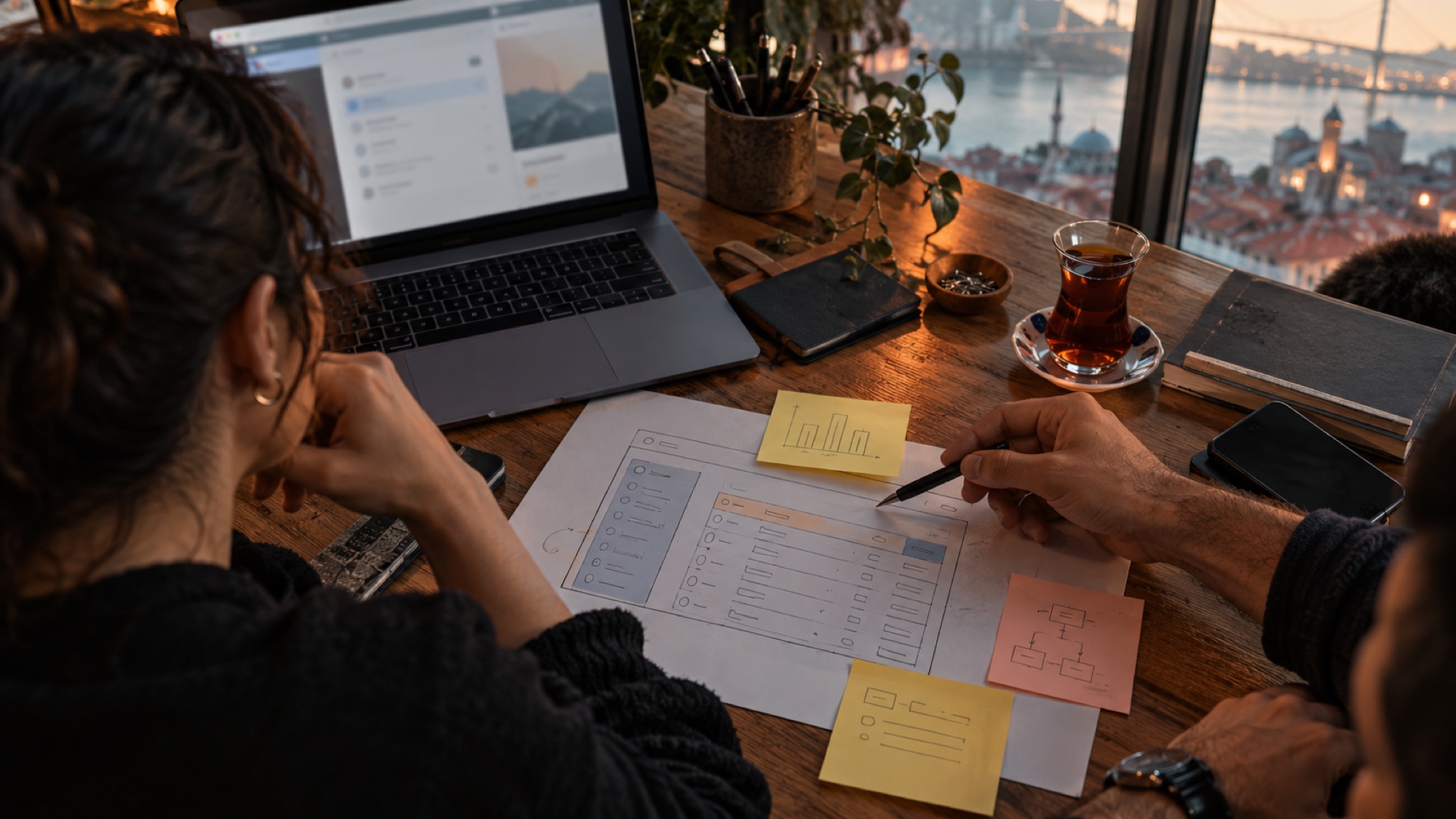
A sketch of a desktop program screen, a laptop and notes on a desk

GETTING STARTED

What do we need?

From you

Not all of it is required; we fill the gaps together.

  • A description of the work the app will be used for
  • Which operating systems, and how many computers
  • Any devices and file types it needs to work with
  • Your current program and data, if any
  • Your network and server setup
  • One person who can make decisions

From us

What you'll have at handover.

  • A clear proposal with scope, timeline and price
  • Installers for Windows, macOS and Linux
  • Migration of your old data
  • Offline mode and sync
  • Automatic update infrastructure
  • Installation guide, training and support

FAQ

Common Questions

When the work has to run without internet, process large files on the computer or connect directly to devices, a desktop app is the more solid choice. If none of that is needed, we recommend a web app.

Windows, macOS and Linux. We build installers for all three from the same project.

The app downloads and installs new versions by itself; you don't have to go to each computer.

Depending on your needs: only on the device, on a local server or in the cloud. In systems that work offline, data is kept on the device and synced to the central server when a connection is available.

Often, yes. We install a small Windows service that connects to the program's database with read-only access; the old program keeps working as it is.

Yes. First we map what the program does and what data it holds, then we move it, data included, to the new application. During the transition both programs can run side by side for a while.

We sign the installers with a code signing certificate, which is how we avoid the Windows and macOS warnings.

LET'S TALK
ABOUT YOUR PROJECT

END-TO-END SOFTWAREISTANBUL · TÜRKİYE

OFFICE

  • Istanbul

    Denizköşkler Mah. Ferah Çıkmazı Sk.
    No: 2 İç Kapı No: 1
    Avcılar / İstanbul

  • Remote

    We work remotely with
    clients across Türkiye
    and abroad

By sending this form you confirm that you have read our KVKK Privacy Notice on how your personal data is processed.